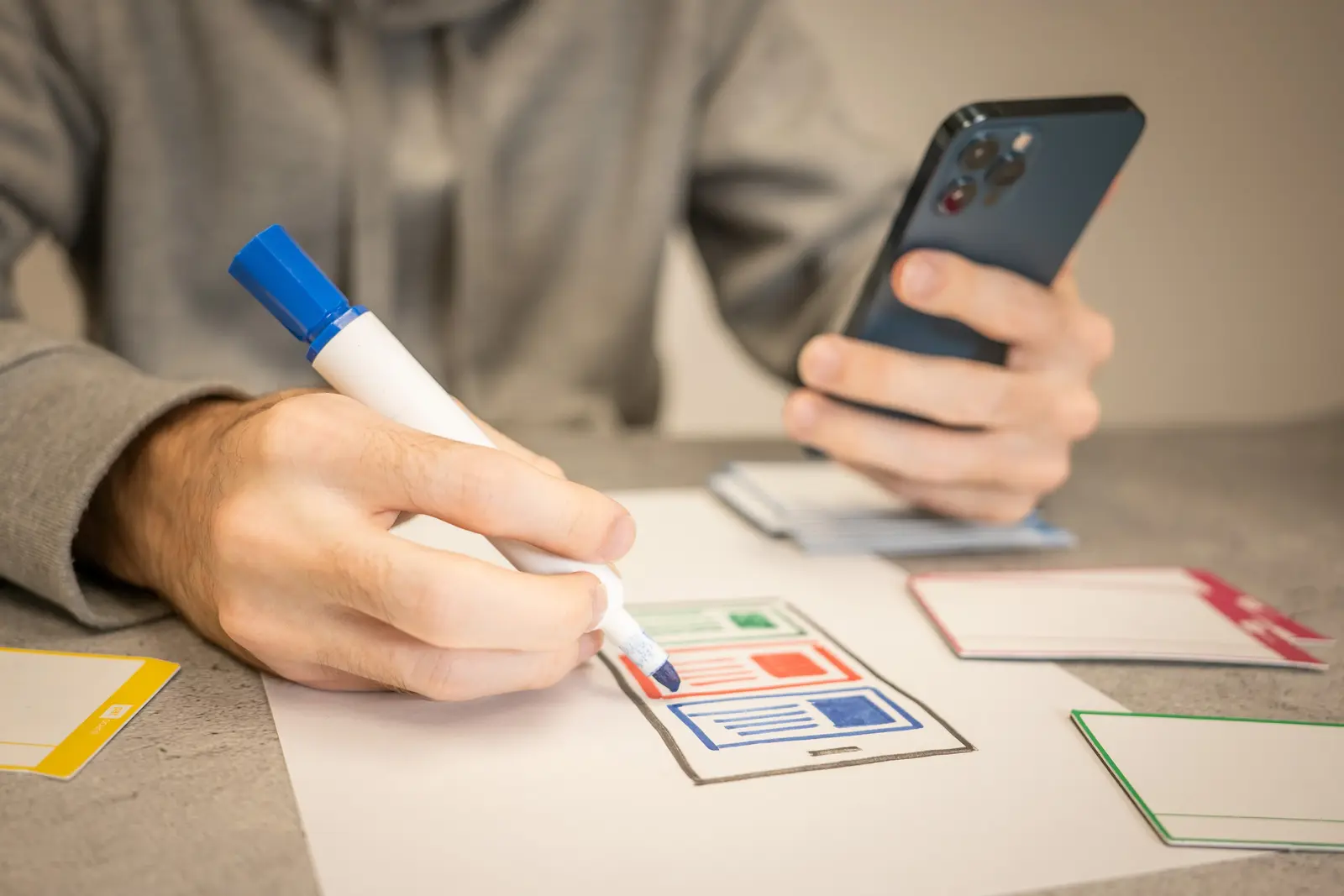
Designer sketching wireframes on paper

Beautiful, but usable first

Good design means the user does not have to think. A few taps and they have what they came for. At the same time it has to move the business forward — more bookings completed, or staff finishing a task in less time. We hold both at once.

  • User flows and wireframes
  • Clickable prototypes
  • Design systems
  • Readable dashboards
WireframeFinal screen
390 × 844

Design starts on the table, before it reaches a screen

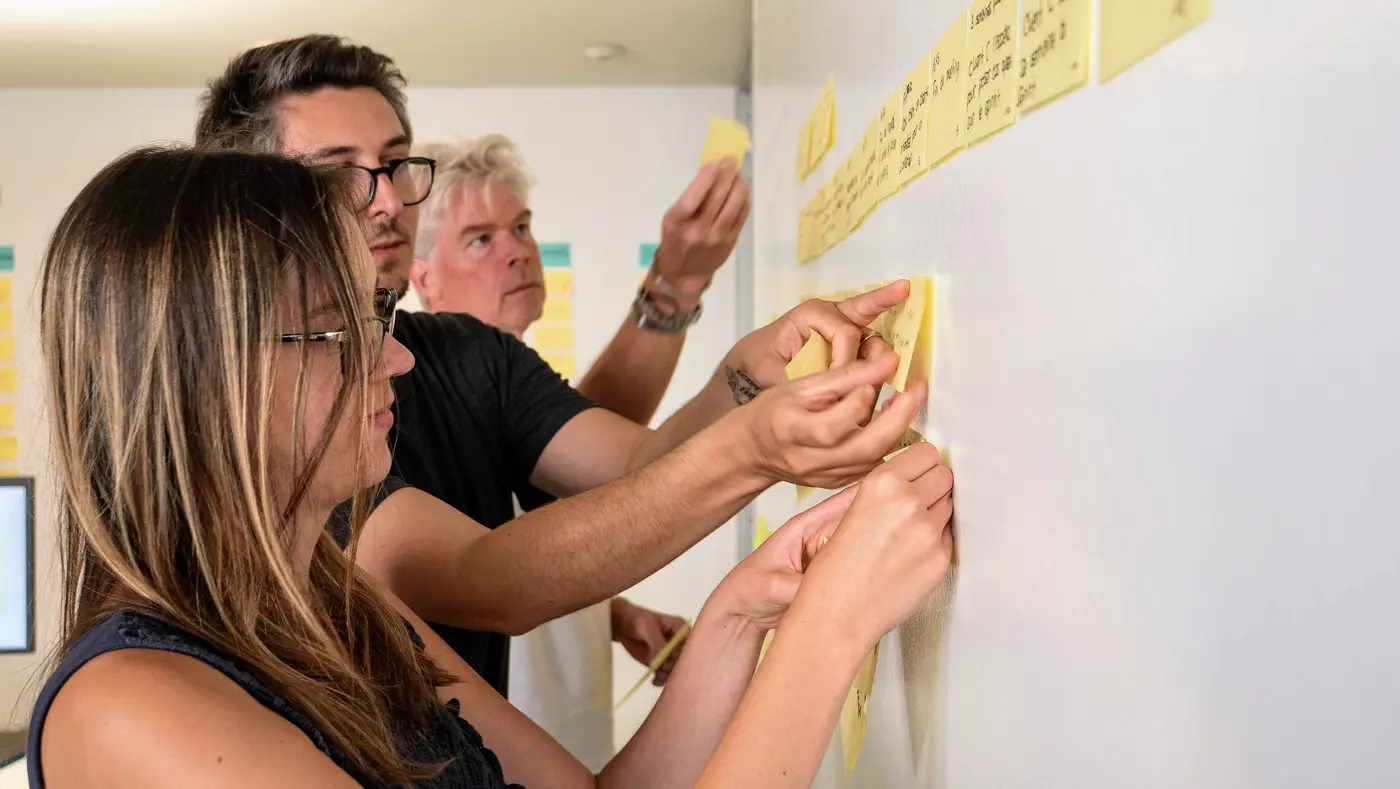
  1. A team sticking notes on a wall during a workshop
    1Workshop with your team
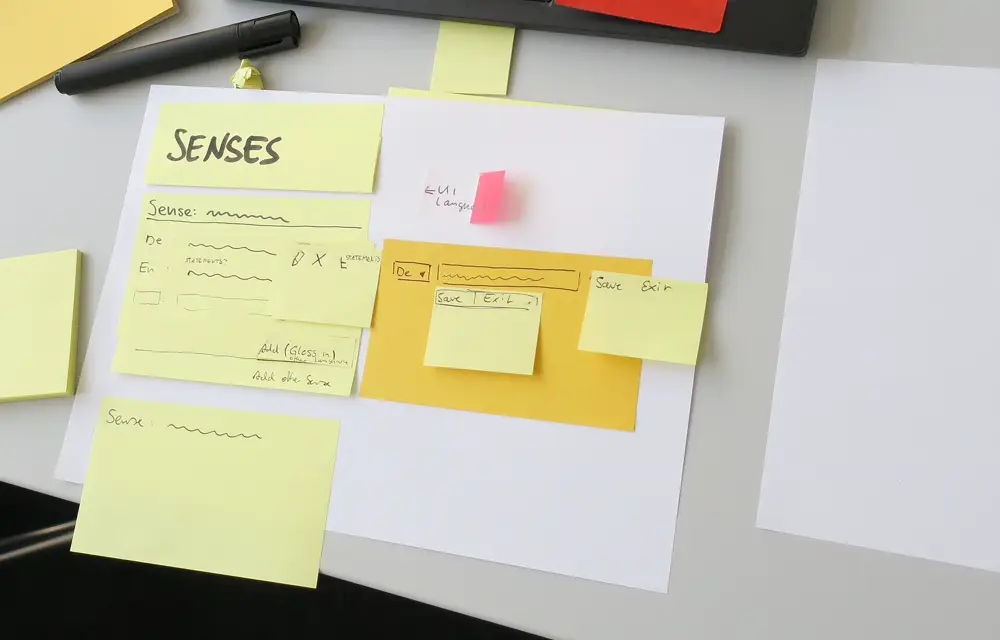
  2. Designer sketching wireframes on paper
    2Sketch wireframes on paper
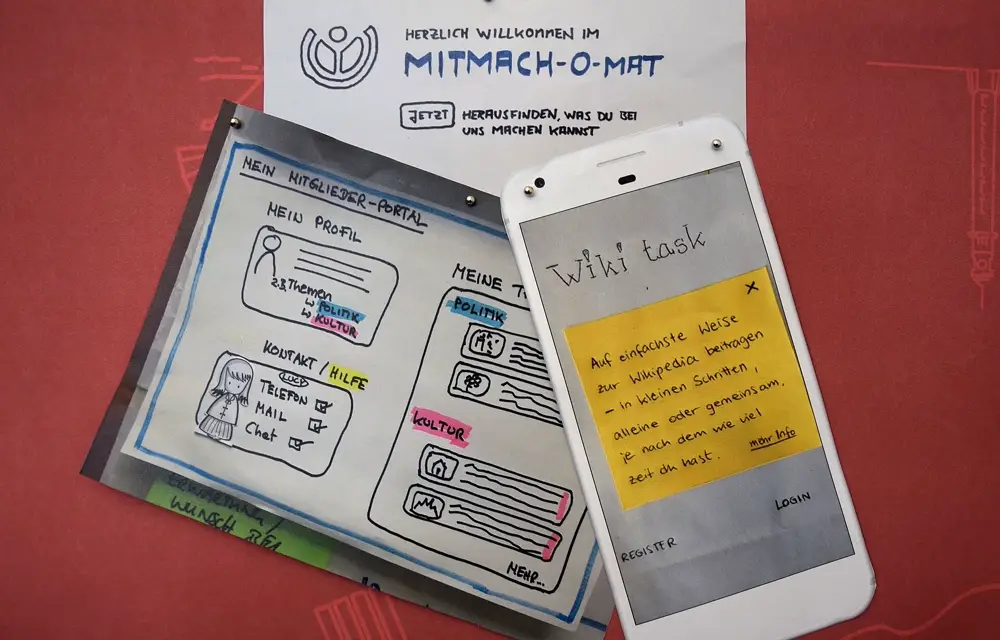
  3. Paper prototypes of web and app screens
    3Build a paper prototype
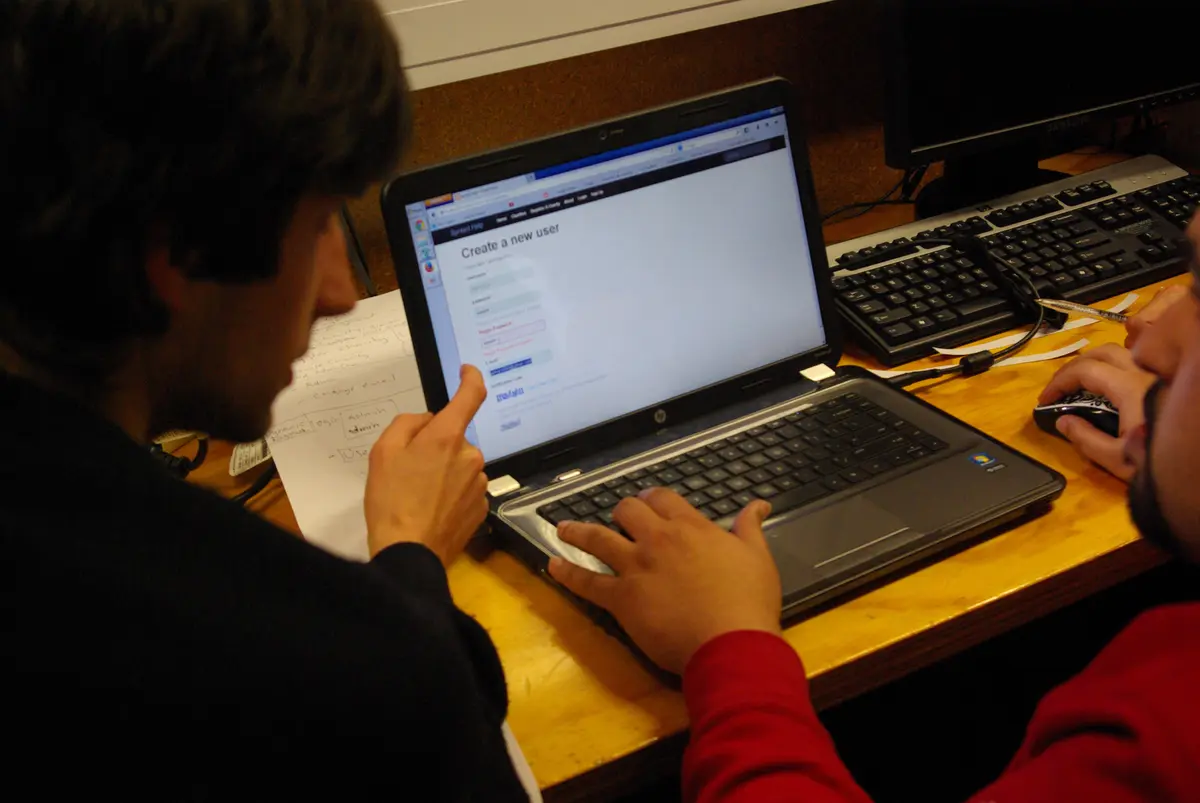
  4. A test participant trying a website with a researcher
    4Test with real users
Wireframe sketches and notes during a design sprintSketching an app screen on paper next to a phoneUser flows and information architecture

Start with people, not colours

Before any screen is drawn we work out who the users are, what they came to do, and where the current system trips them up. Then we map the user flow end to end and wireframe the screens to get the information hierarchy right. This stage saves real money — changing a drawing is far cheaper than changing shipped code.

  • Interviews and requirement gathering
  • User flows and information architecture
  • Wireframes before visuals
Example: the user flow for booking a tour online

8steps

  1. 1Open the website
  2. Find the booking menu
  3. Create an account
  4. Confirm by email
  5. 5Pick a tour
  6. Enter an address
  7. 7Transfer money
  8. Send the slip in chat

Many customers give up before they reach the payment step

Prototypes you can actually tap

We hand over a prototype that behaves like the real thing on a phone. Your team — or real customers — can try it and give feedback before development starts, which removes the risk of building something nobody wants to use.

A test participant trying a website with a researcher
Test with real users
  1. 1Pick a tour
  2. 2Choose a date
  3. 3Booked
9:41
Krabi TripsWhere to today?
Search tours, islands or activities
Island toursSnorkellingKayaking
Popular tours
Chicken Island sandbar฿950Emerald Pool and hot springs฿900
4.94 Islands by longtail boatFull day, hotel pickup
  • Transfers
  • Lunch
  • Snorkel gear
Choose a date
Adults
2
Total฿2,400
Tour bookedYour e-ticket is on its way to LINE
E-ticket4 Islands by longtail boatTue 13, 2 AdultsHotel pickup at 08:30

Try tapping the screen

A design system that scales

For products with many screens or a roadmap ahead, we define colours, type, spacing, buttons, forms and components once. New screens added months later still look like part of the same product, and developers implement them without guessing.

  • Type and colour that read well in both Thai and English
  • Standard components
  • Usage guidelines for your team
Primary colour
Corners
Spacing
--color-primary: #0A7EA4;
--radius: 12px;
--space: 16px;
Components / Booking
Available2 seats left
4 Islands tourDeparts 09:00 from Ao Nang pier
฿1,200

Change a value here and every component follows at once

Dashboards and back-office screens

The screens your staff open every day are where design pays back fastest. We put the important numbers first, cut clicks, remove fields nobody fills in, and make summaries readable at a glance.

admin.krabitrips.co.th
Current systemAfter redesign

Drag the centre line to compare the old screen with the new one

Have a system your staff complain about? We also redesign existing interfaces.